Getting Started
Start selling print-on-demand in minutes — no machines, no inventory.
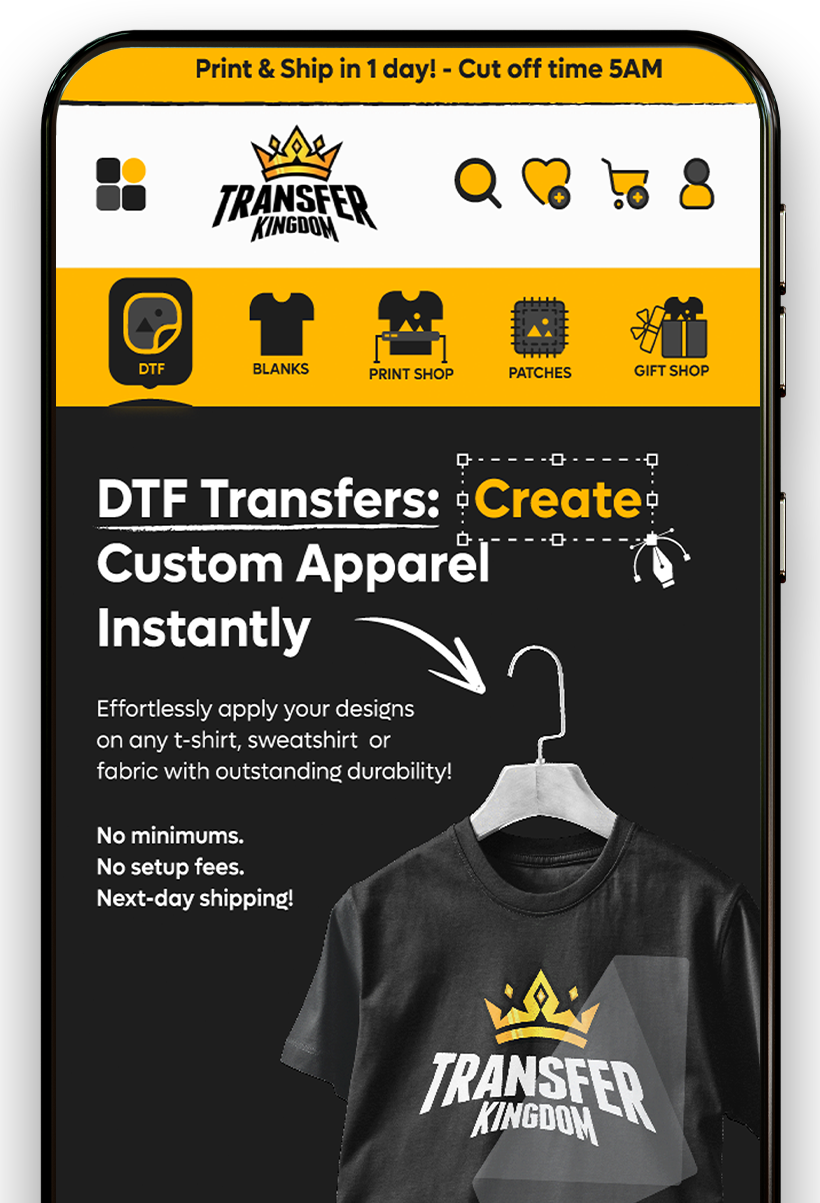
Transfer Kingdom POD installs directly into your Shopify store and handles production, so you can focus on selling. We print, pack, and ship every order for you.
How to get started:
- Install the app — Add the Transfer Kingdom POD app to your Shopify store. We automatically configure your fulfillment service, shipping profile, and products — done in under 5 minutes, no technical work required.
- Add the theme blocks — Drop the Transfer Kingdom POD design tool and product blocks into your theme so customers can create and order directly from your storefront.
- Publish your first product — Choose from our catalog of DTF transfers, gang sheets, UV stickers, and apparel, then publish to your store with a few clicks.
- Start selling — Orders flow in through Shopify checkout. We handle printing, packing, and shipping — you keep the margin.
Setup
Ready in under 5 minutes
Production
We print, pack & ship
Risk-free
No machines or inventory
After you install
Still Need Help?
Our technical experts are available to assist you with any questions or specific production needs.
Average response time: under 24 hours